

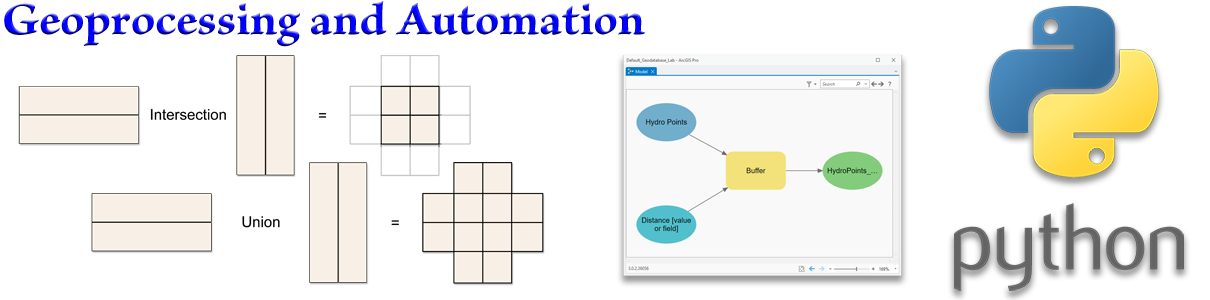
Basic Geoprocessing and Automation
Overview
Here we will learn about some of the tools that makes GIS so powerful. We'll see how to Run tools several different ways and how to set additional optional parameters (called Environments) when you run them. We'll learn how to use ModelBuilder to chain multiple tools together to conduct a larger analysis, and finally we'll take a look at Python, which is Esri's current programming language of choice, and learn how to generate, modify and run Python code without having to actually be a Python programmer.
All the lab exercises are presented in the document Geoprocessing and Automation: Lecture Notes and Lab Exercises. Remember, the lab exercises are where you really learn the material, so take advantage of them! I'm here and excited to answer any questions you have, or help out if you get stuck on anything. Walk-through videos of all the lab exercises are on the lab exercise videos page.
Lectures and lab videos
Four lectures discussing the family of tools available to you, tool environments, stringing tools together in model, and a brief introduction to Python code.
1 hr, 8 min.
Video walk-throughs of all 9 lab exercises
Slides, notes and downloads
Here are notes that tell you what I hope you learn from each slide, and step-by-step instructions on how to do the lab exercises. You need to download this one to do the lab exercises!
File compressed as 7-Zip format, so needs 7-Zip to open (see https://www.7-zip.org/ if you do not already have it installed).