

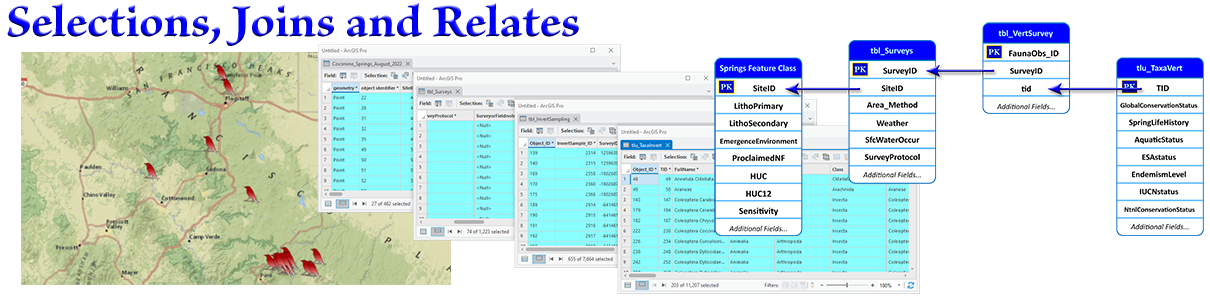
Selections, Joins and Relates
Overview
In this module we will learn how and why to select data, which is one of the fundamental skills underlying most spatial analysis. Learning how to select data lets you separate your data into categories for comparison, such as examining nocturnal vs. diurnal wildlife behavior. Selecting lets you identifying sites that meet spatial constraints, such as protecting areas near roads and riparian areas.
Please view the lectures, then work through the lab exercises. If you want it, the original Powerpoint file is available below.
All the lab exercises are presented in the document Selections, Joins and Relates: Lecture Notes and Lab Exercises. Remember, the lab exercises are where you really learn the material, so take advantage of them! I'm here and excited to answer any questions you have, or help out if you get stuck on anything. Walk-through videos of all the lab exercises are on the lab exercise videos page.
Lectures and lab videos
Plus an optional video describing some of our data
1 hr, 10 min.
Video walk-throughs of all 7 lab exercises
Slides, notes and downloads
Here are notes that tell you what I hope you learn from each slide, and step-by-step instructions on how to do the lab exercises. You need to download this one to do the lab exercises!