

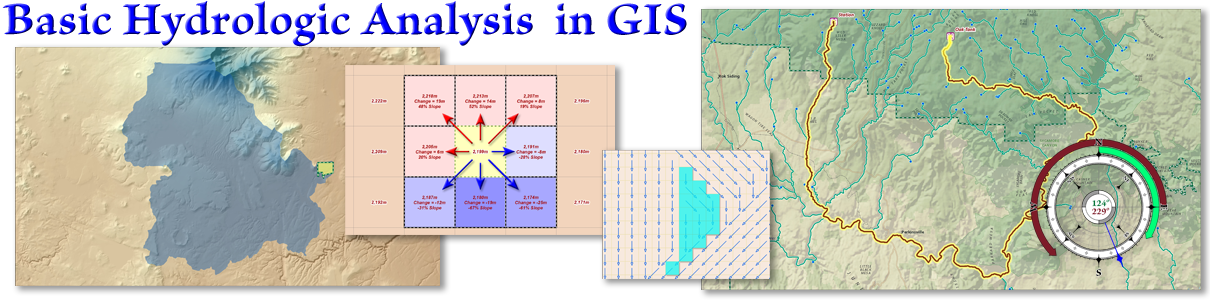
Watersheds and Basic Hydrological Analysis
Module 3 of 7 · Advanced ArcGIS Pro Topics · 1 lecture (17 min) · 11 lab walk-throughs (1 h 31 min)
Overview
Here we learn how to use the basic ArcGIS Pro hydrologic tools to analyze how water flows across the landscape surface. These hydrologic functions are pretty cool and they let you use GIS to analyze the shape of the landscape in some sophisticated and interesting ways.
In particular, we will examine the three ways to generate flow direction rasters, named D8, MFD (for Multiple Flow Direction) and DINF (for Infinite Direction). From this flow direction raster, we will see how to identify stream paths, watersheds (also known as catchments or drainage basins), flow accumulation rasters and the Topographic Wetness Index (TWI). We will also learn how to use the stream path to build a network, from which we can calculate the shortest distance between two points while constrained to the hydrologic flow paths.
All the lab exercises are presented in the document Watersheds and Hydrological Analysis: Lab Exercises. Remember, the lab exercises are where you really learn the material, so take advantage of them! I'm here and excited to answer any questions you have, or help out if you get stuck on anything. Walk-through videos of all the lab exercises are on the lab exercise videos page.
Lectures and lab videos
Lab exercise videos
Hydrologic Analysis Lab Exercise Videos
Video walk-throughs of all 11 lab exercises
Slides, notes and downloads
Lecture notes and lab exercises
View or download Hydrologic Analysis: Lecture Notes and Lab Exercises
Here are step-by-step instructions on how to do the lab exercises. You need to download this one to do the lab exercises!
Optional reading
Optional: Papers Describing TWI and Specific Catchment Area
Here are some of the original manuscripts describing Topographic Wetness Index (aka Compound Topographic Index), along with methods people have developed to work around division-by-zero and log-of-zero issues in the equation.