

Thought for the Day
Summary
Shows a quotation in a small card. That is all it does. Long sessions of GIS work go better with an occasional pause, and this is one way to take it: click the button, read the thought, ponder, take solace, and get back to work.
Usage
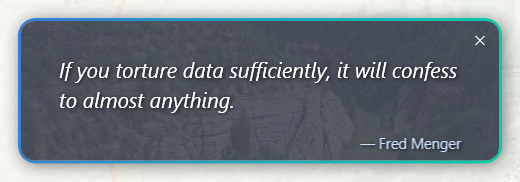
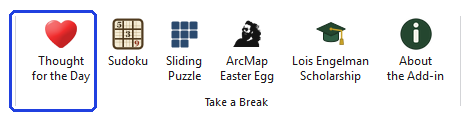
Click Thought for the Day on the ribbon. A card appears with one quotation and its author, chosen at random from a collection of more than a hundred. Click the button again for another. The card can be dragged anywhere on the screen, does not block ArcGIS Pro while it is open, and closes with the × in its corner.
A quotation you have just seen will not come up again until a hundred others have been shown. The list of recent ones is stored in the project, so it is kept when the project is saved and each project has its own.
Recommended citation
Credits
By Jeff Jenness, Jenness Enterprises (www.jennessent.com).
Licensing information
Works at every ArcGIS Pro license level (Basic, Standard, Advanced). No extension licenses are required.
Related tools and pages
- Sudoku — a number puzzle, in three looks.
- Sliding Puzzle — a tile puzzle made from your own map.
- ArcMap Easter Egg — a small piece of ArcMap history.